 Episeed
From the workbench
A workspace for study, research, writing and review
An overview of Episeed's desktop workflows, from reading sources and connected notes to Markdown, LaTeX and manuscript review.

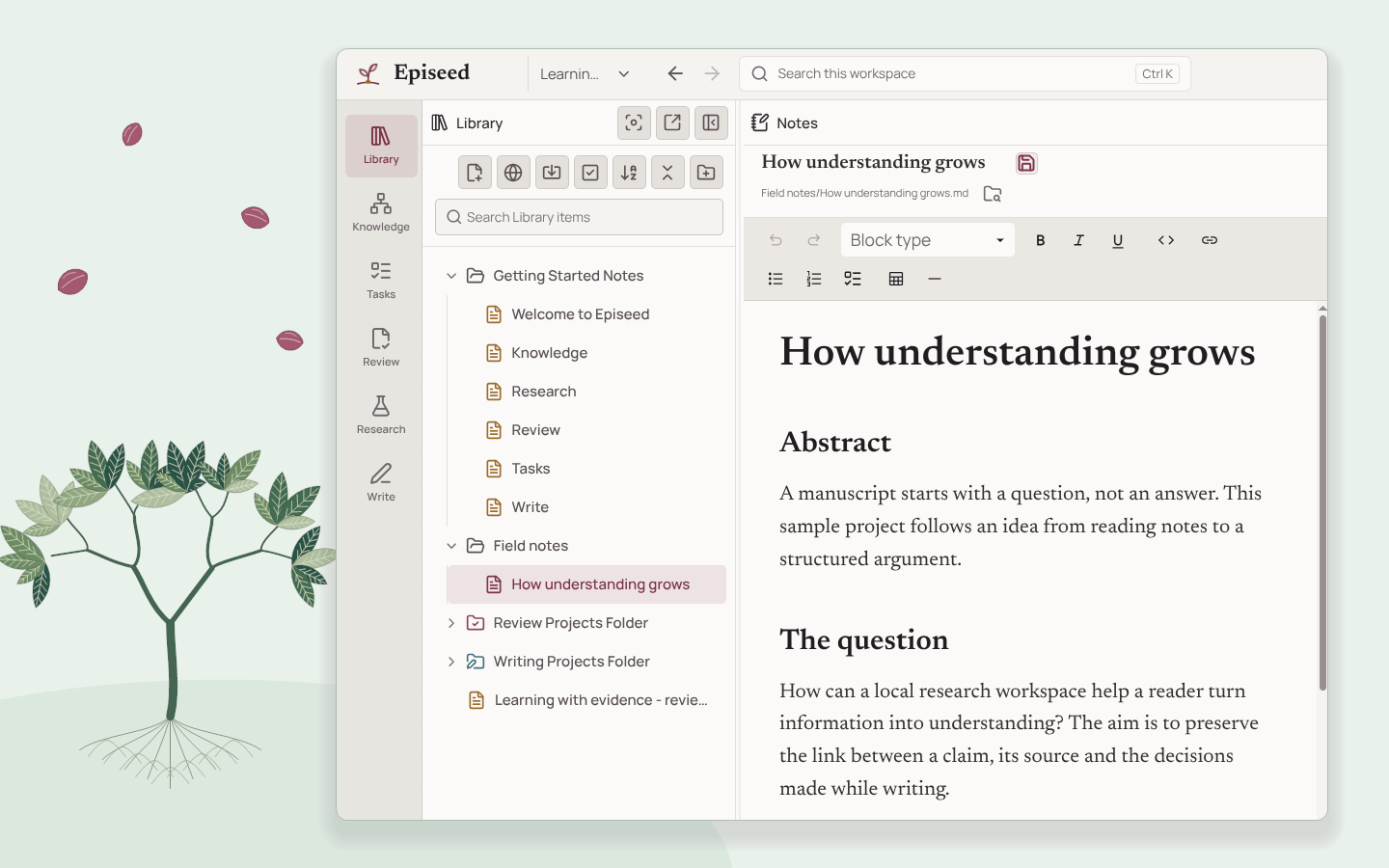
Episeed brings study, research, connected knowledge, writing and review into one desktop workspace. This update introduces those workflows and the new guides on this site. It is an overview of the current product, not a promise that every platform download or hosted service is already available.
The home page remains the place to check actual installer availability. Windows is the first release platform; other platform downloads are listed separately when available.
Study the source, not only a summary
The Study workflow keeps source material close to your notes. Read a passage, explain it in your own words and record what you still need to understand.
An assistant can provide another perspective when you choose to use one, but the original material remains important. For a repeatable manual method, start with the new literature review notes guide.

Connect ideas and next steps
Knowledge brings notes, sources, tags, connections and tasks together. A question can become a task linked to the note that raised it, so returning to the work does not mean reconstructing all the context.
The connected research notes feature page explains how source notes and synthesis notes can play different roles in a project.
Write in Markdown or LaTeX
Writing projects keep drafts and project references together. The LaTeX source editor includes command completion, syntax highlighting, folding, live math previews and compiler diagnostics, with local PDF compilation.
Imported projects and advanced templates can still need additional packages or adjustments. Test the actual document you need to submit. The format comparison guide covers the decision before a paper grows into a large project.
Review with the manuscript close by
The Review workspace brings the manuscript and review comments together. Proposed document changes are reviewed before they are applied; the final editorial and research judgment remains yours. The manuscript review workspace page describes sessions, annotations and the optional assistant.
Treat generated suggestions as material to evaluate. Check whether a revision preserves the argument and whether a reference actually supports the statement it accompanies.
Keep the online boundary visible
Core desktop work does not require AI. You can choose a local model or a supported cloud provider, while optional managed search and AI have separate access and usage requirements.
The website does not host your research workspace or automatically upload its files. Cloud requests process approved context under the relevant provider and service terms. The privacy notice explains these distinctions.
What this blog will record
Future posts can document specific changes, practical workflows and limitations worth knowing about. The RSS feed makes those updates available without a newsletter account.
For now, explore the features, try a guide and check the available release on the home page.



 Your work, on your desktop