 Episeed
Find more. Understand more.
Find your papers, notes and references without the busywork. Spend less time hunting for information and more time asking what it means.
Desktop clients coming soon
Learn deeply.
Write thoughtfully.
Discover faster. Connect ideas. Write in your own words.
A local-first workspace with AI as an assistant, not a substitute for thinking.
Your desktop. Your files. With or without AI.
Local files. Offline work.
Make the learning yours
AI is optional. You lead.
For students and curious minds
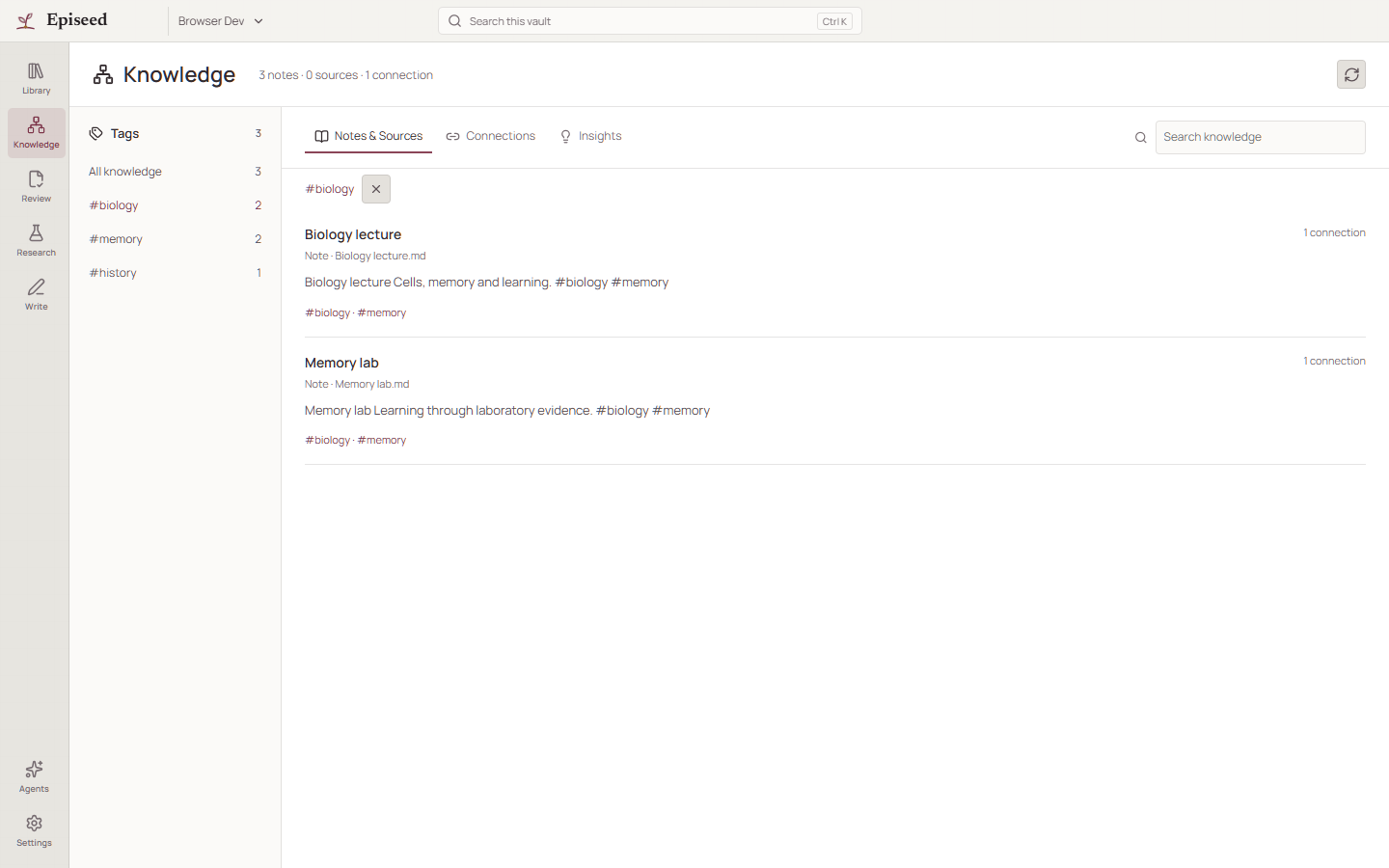
A quick answer can end a question too soon. Find what you need, explore the connections and turn it into understanding of your own.
Read the source, explain it in your own words and connect it to what you already know. Ask AI for another perspective only when it helps.
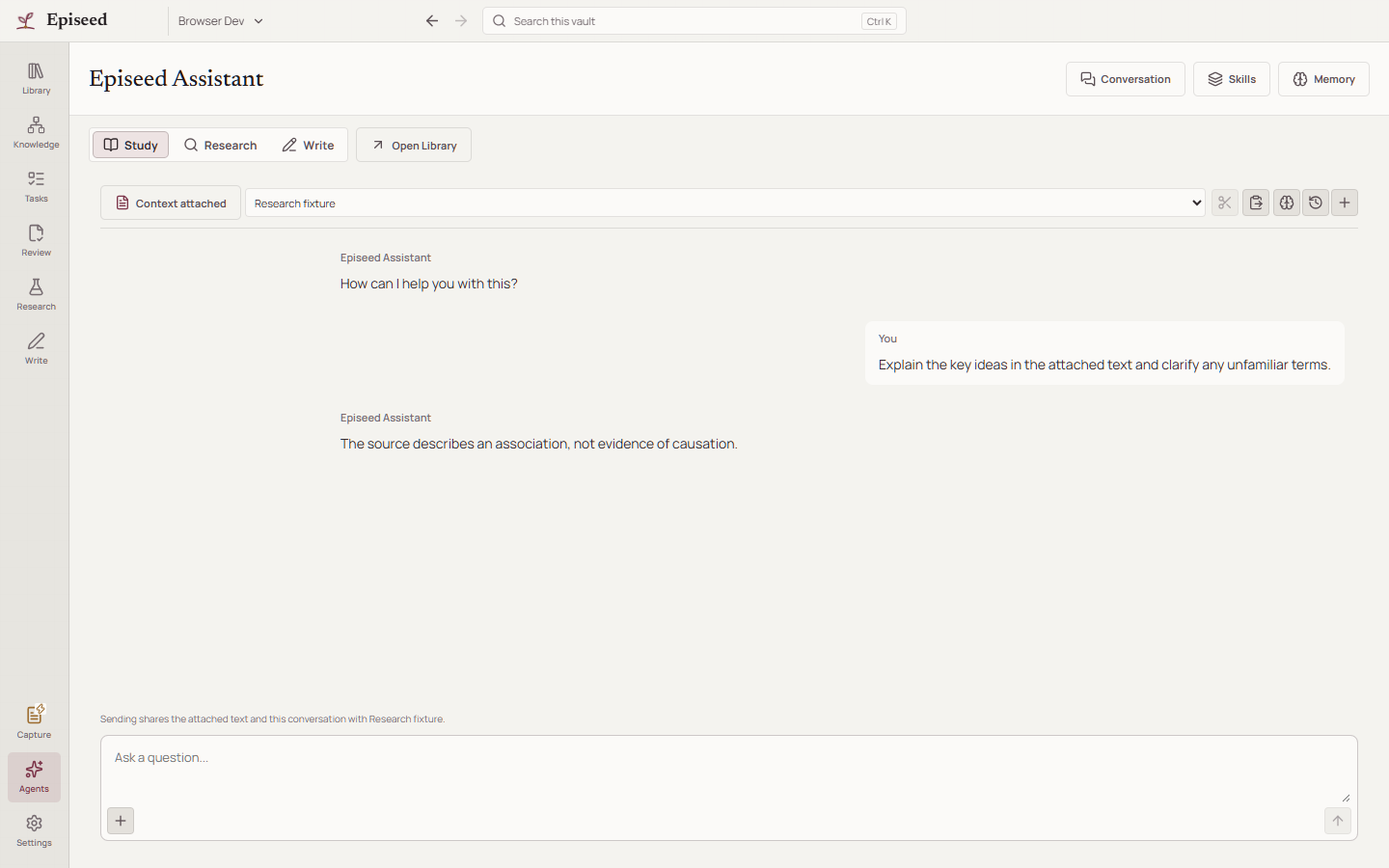
Desktop development preview with sample content.
Find your papers, notes and references without the busywork. Spend less time hunting for information and more time asking what it means.
Bring notes, sources, tags and connections together in Knowledge. Turn an open question into a task and keep each next step linked to the note it came from.
Put ideas into your own words, follow a thread into a draft and keep the sources close. AI can help you question or refine your work; the thinking stays yours.
Local-first, by design
Choose a folder, not a hosted workspace. Your files, notes, connections and tasks live on your computer.
Read, take notes, make connections and track tasks offline. The website does not host your workspace or automatically upload your files.
Use Episeed without AI, run a local model on your device or connect a cloud provider with your own API key. Cloud AI processes the context you approve sending.
This coming-soon site has no analytics, tracking cookies, signup or waitlist. Our hosting provider may process technical request data to deliver and secure the site. Read the privacy notice.
A little more time. A lot of curiosity.
We are preparing the Episeed desktop clients. Check back in about two weeks, around , for an update.
Desktop clients are coming soon.
Download for WindowsNo signup needed. Just come back to episeed.app. This is a development update, not a guaranteed release date; availability may vary by platform.
A few things worth knowing
The desktop clients are coming soon. Check back around 21 October 2026 for a development update. Public downloads and managed AI access are not available yet.
Episeed is an installed desktop app in development. This site introduces the workspace and will provide release information when the clients are ready. Your study, research and writing happen on your computer.
Yes. Reading, notes, connections, references, tasks and writing do not require AI. An assistant is there when you want another perspective, not a condition of using your workspace.
Handing every question to AI can mean skipping the thinking that helps you learn. Episeed is built around reading sources, writing your own notes, connecting ideas and choosing the next question. Use an assistant to explain, challenge or refine, then check the source and decide what you understand.
Your core workspace works offline. A local model can run on your device once installed. Online discovery, cloud AI and managed services need internet access; none is required to keep working with your local notes and files.
Document changes are reviewed before being applied. Research findings and citations still need your judgment and source checking.
Approved context is processed by the selected provider and, for managed access, our API. Provider retention and data-processing terms must be reviewed before sharing sensitive or unpublished work. Local-first does not mean every AI request stays local.
Not yet. Managed search and AI are being prepared for a restricted pilot, with account permissions and usage limits. Downloading the app does not grant managed-service access.