 Episeed
Inside the workspace
Markdown and LaTeX writing in one workspace
Draft research papers in Markdown or edit LaTeX source with live math previews, local PDF compilation and compiler diagnostics in Episeed.
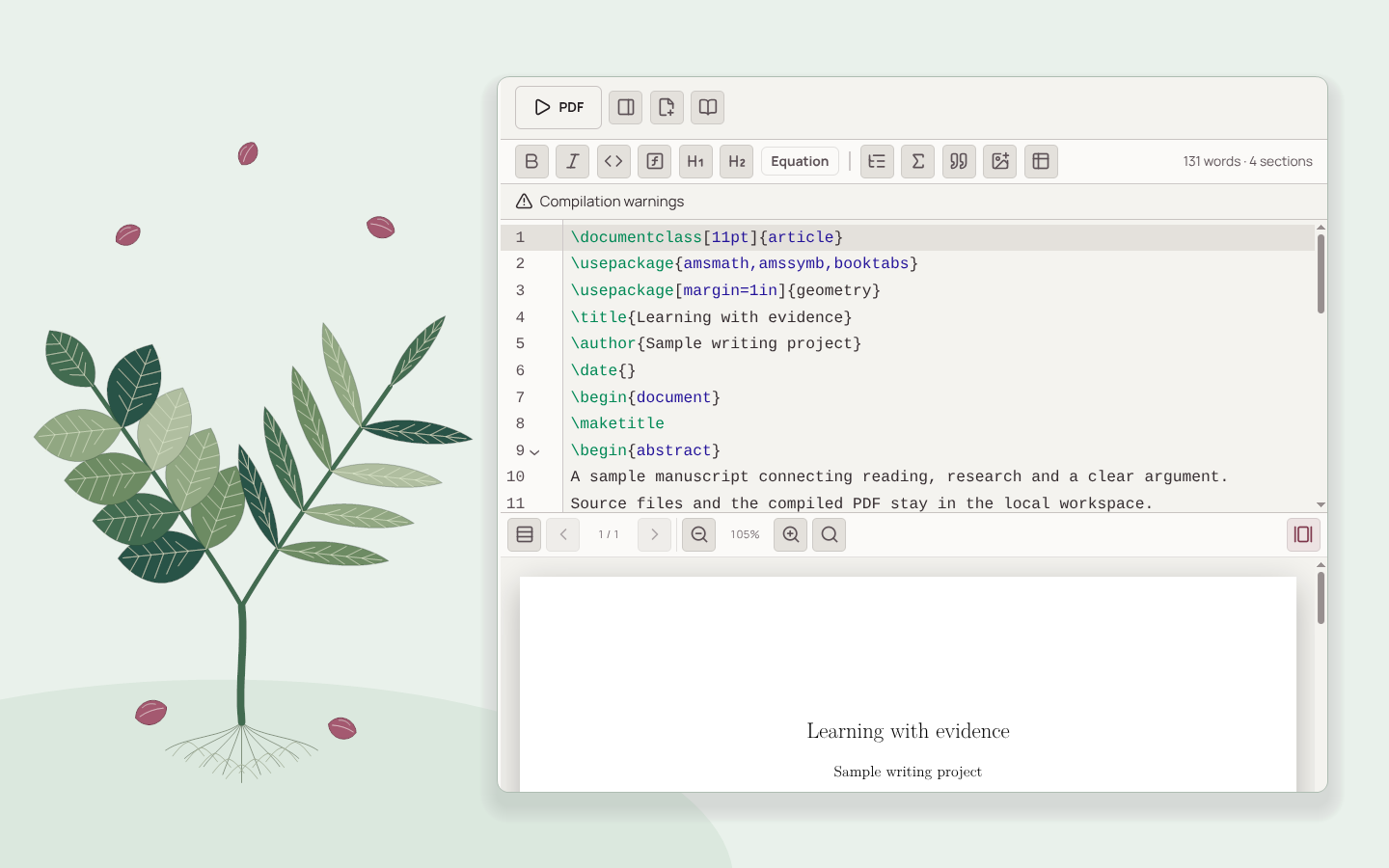
Episeed supports research writing in Markdown and LaTeX inside a desktop workspace. Keep drafts, project files and references together, use a dedicated LaTeX source editor when you need it, and compile PDFs locally with the bundled compiler.
The choice is about the document you need to produce. A short argument and an equation-heavy manuscript do not always benefit from the same writing format.
Draft in Markdown
Markdown keeps document structure visible in plain text. Headings, paragraphs, lists and links are straightforward to read in the source, which can make it a comfortable format for notes, outlines and early drafts.
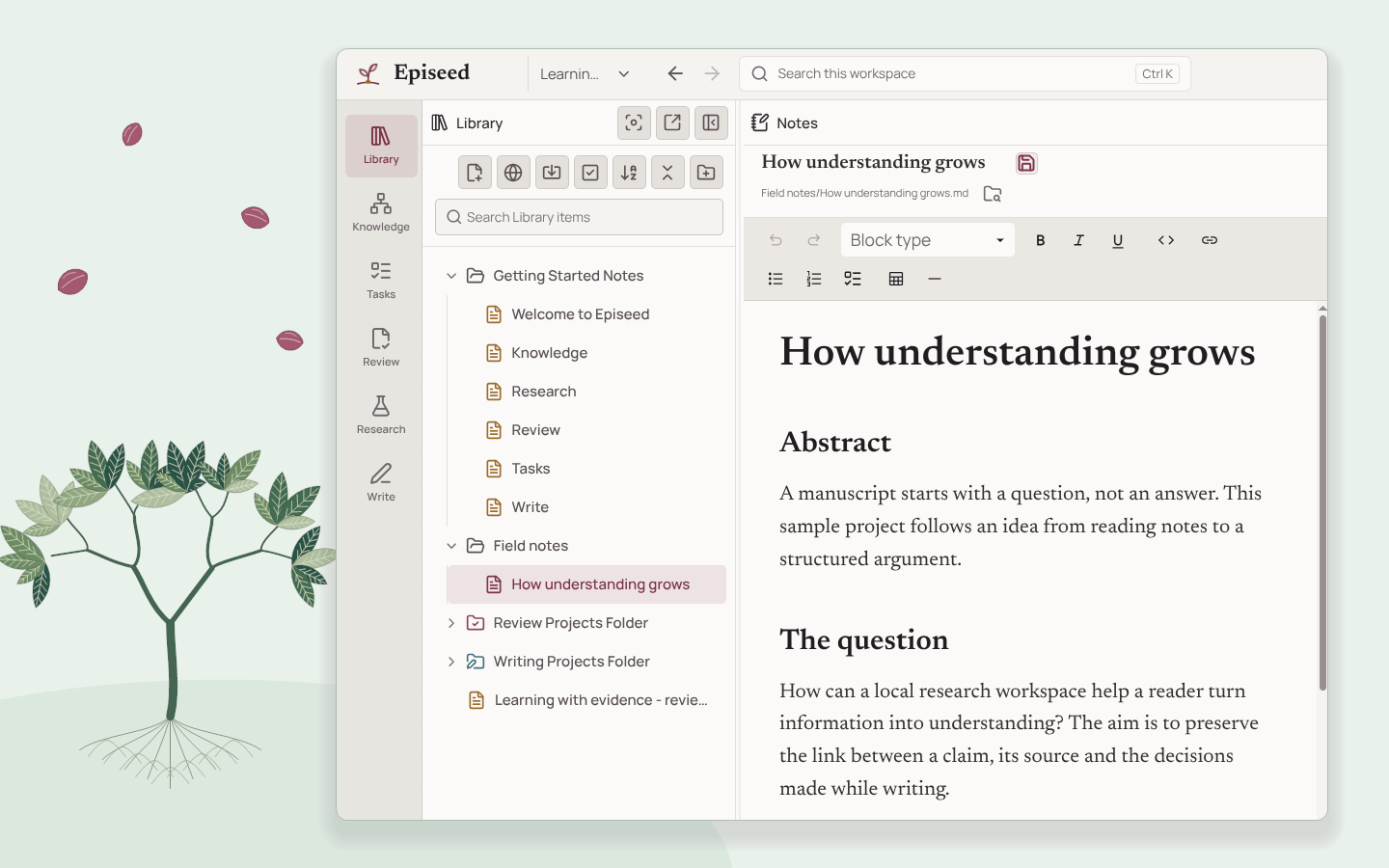
In Episeed, writing projects keep the manuscript close to project references and files. You can develop the argument while keeping the research context nearby instead of treating the draft as a disconnected final step.
If your final submission requires a specific format, check that requirement early. Choosing Markdown for drafting does not guarantee that a publisher will accept a Markdown file.
Edit LaTeX source directly
The LaTeX source editor provides command completion, syntax highlighting, folding and live math previews. Compiler diagnostics help you trace problems back to the source rather than guess which part of the document caused a failed build.
This is useful when your document depends on equations, technical notation or an existing LaTeX template. You keep control of the source rather than relying on a generated document you cannot easily inspect.
Compile a PDF locally
Episeed includes local PDF compilation for LaTeX writing. You do not need to upload a project to a hosted LaTeX editor simply to produce a PDF.
Template compatibility still matters. Advanced templates and imported projects may need additional packages or adjustments. Test a representative document, including the bibliography, figures and any custom commands, before relying on it for a deadline.
The Markdown versus LaTeX guide includes a practical way to make that decision before a project grows.
Review changes before applying them
Optional assistance can work with context you approve, but document changes are reviewed before they are applied. A suggested revision is something to evaluate, not an instruction to accept.
Check that a change preserves your claim, uses terminology consistently and does not introduce unsupported citations. Whether a sentence was drafted manually or with assistance, it is still part of your argument.
Keep the research connected
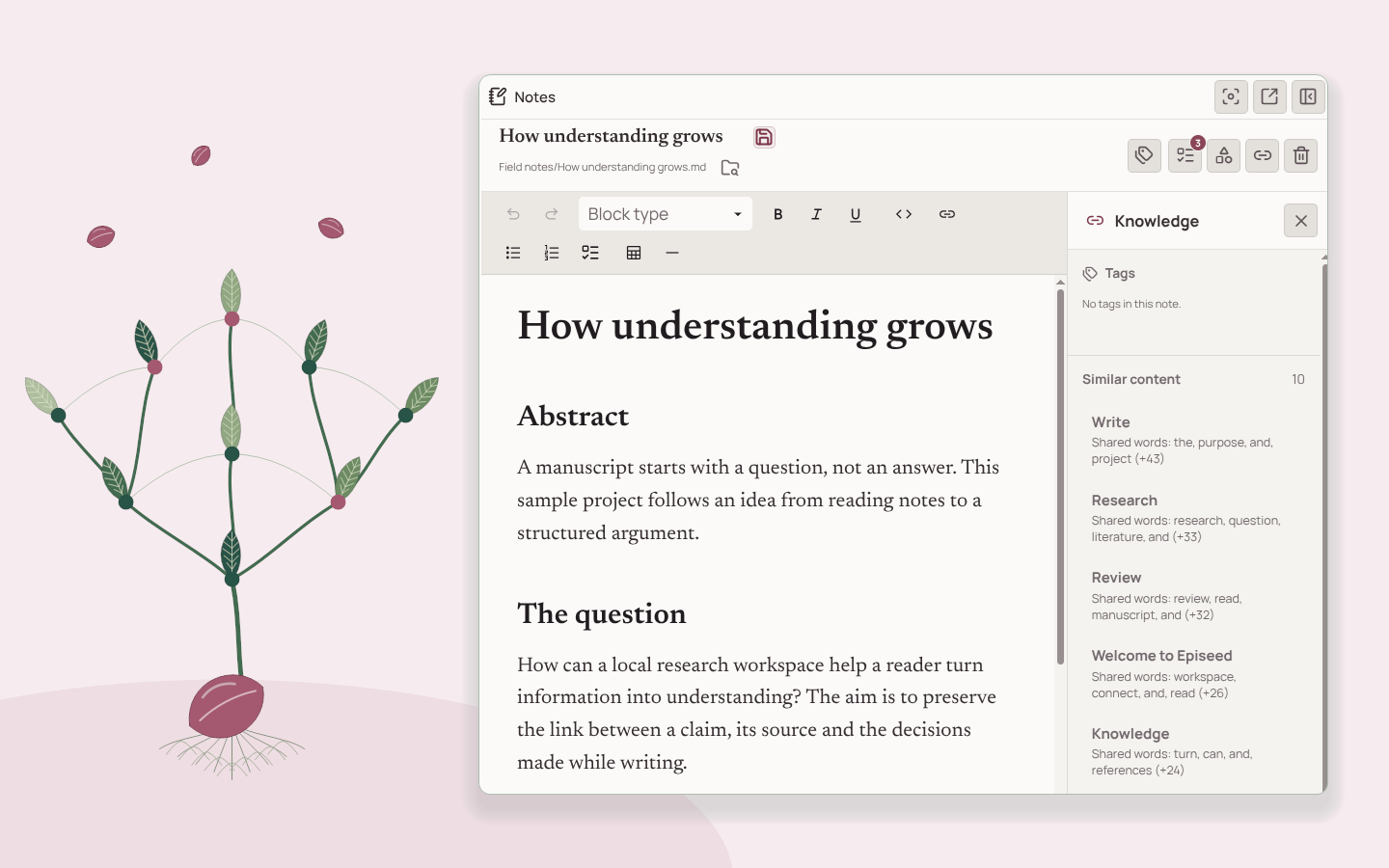
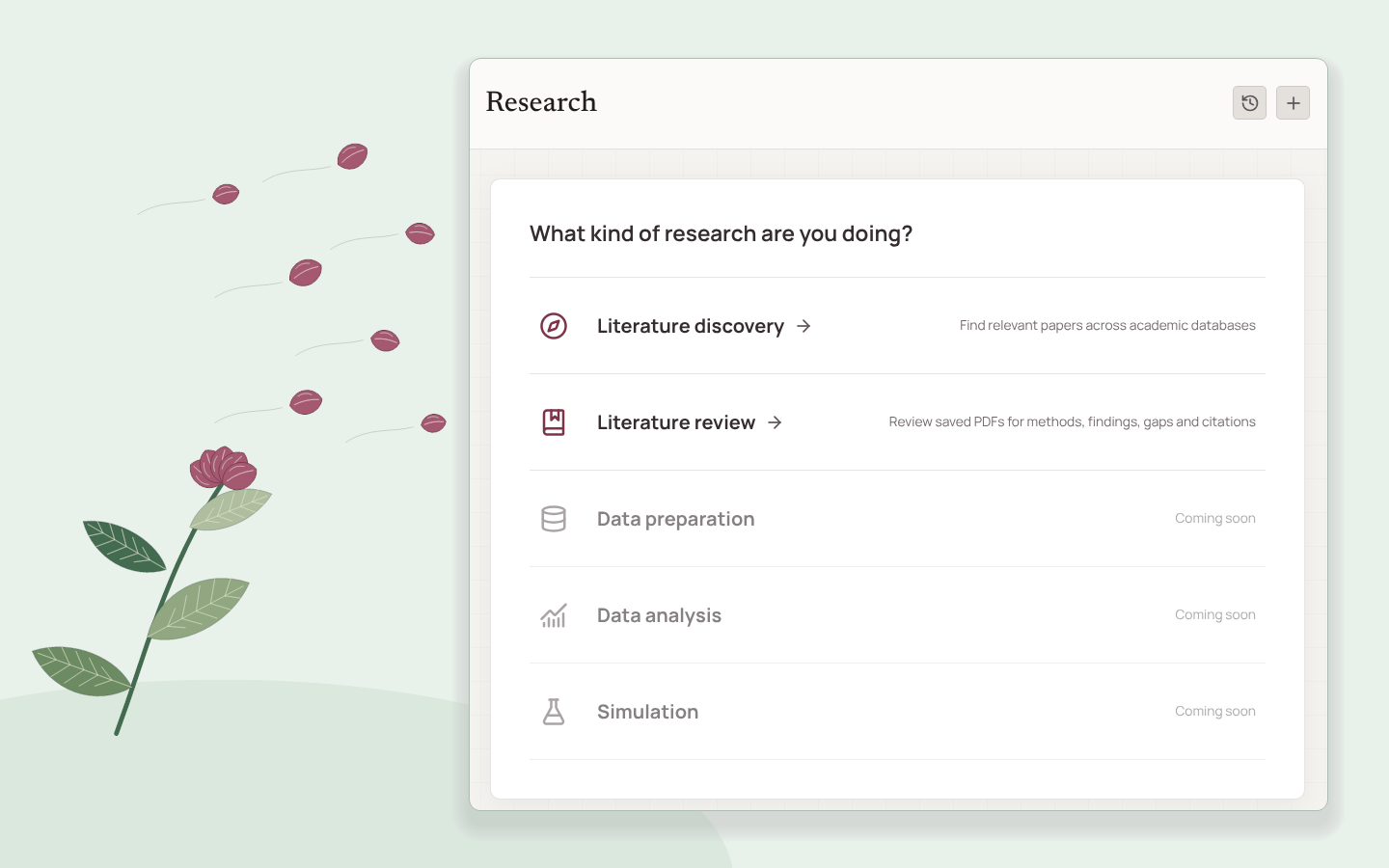
Writing becomes easier to revisit when a paragraph's sources and the questions behind it remain accessible. Pair your writing project with connected research notes and a repeatable literature review note template.
Core writing does not require AI. Online assistance and managed services remain optional, with their own connectivity and access requirements. See the local-first workspace page for those boundaries.

 Your work, on your desktop