 Episeed
Inside the workspace
Reference management with BibTeX, RIS and CSL JSON import
Import a bibliography exported from Zotero or another tool, complete missing details, cite references in your notes and export formatted or structured citations.
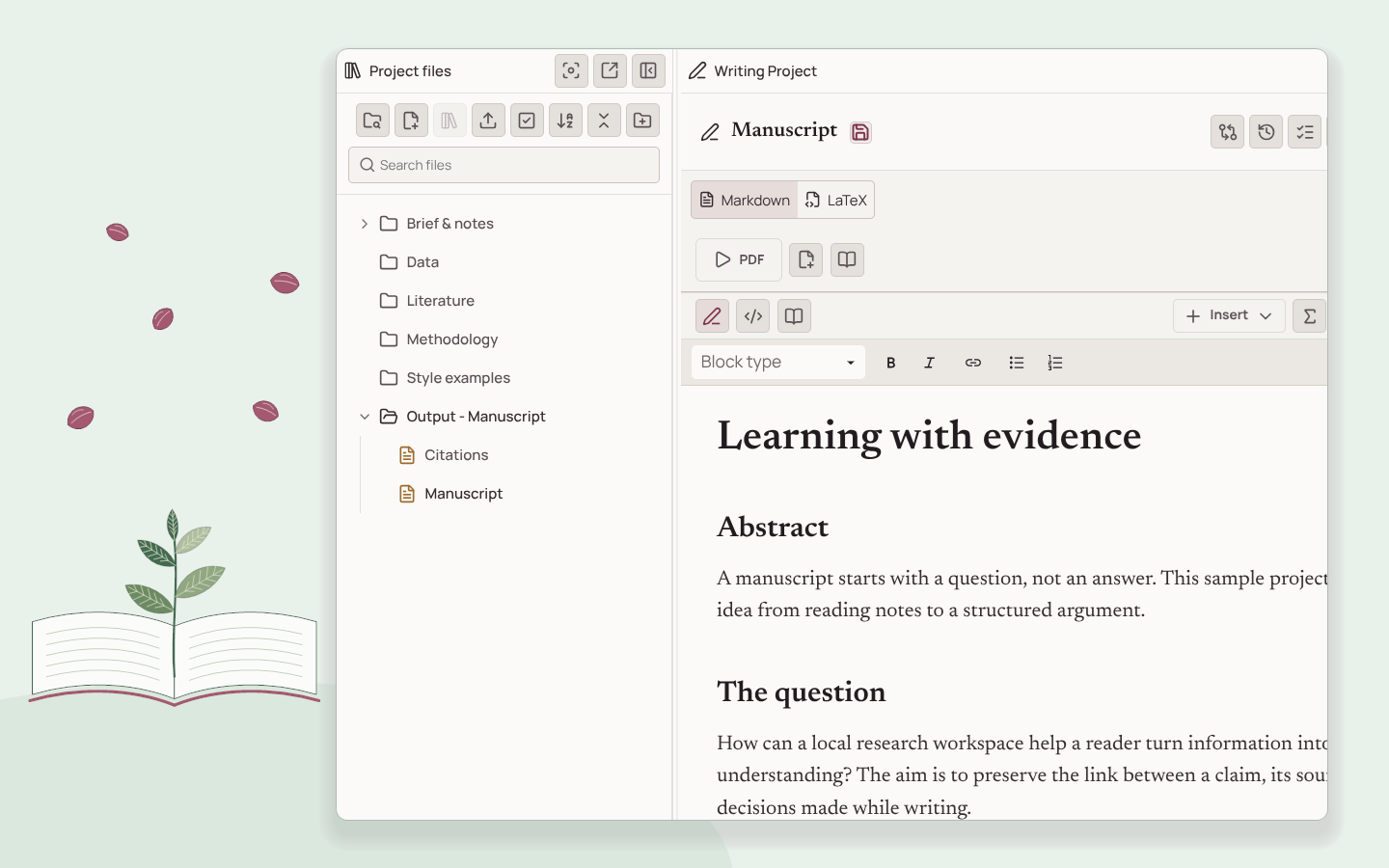
Episeed keeps your references in the same local workspace as your notes, sources and drafts. Import a bibliography as BibTeX, RIS or CSL JSON, search and complete the records, cite them from a note and export the results. Reference management works on your computer and does not require AI.
Import an existing bibliography
Open References in Knowledge and choose Import bibliography. It reads BibTeX, RIS and CSL JSON files exported from tools such as Zotero.
An import contains reference records, not the papers themselves. Attach a paper to its record when you have the file.
Original imports and reference records are stored in a hidden .episeed/bibliography folder inside your workspace folder. Include it when you back up; the local-first workflow guide covers backups in more detail.
Find and complete records
Search by title, author, year, DOI or citation key. The Missing details filter lists records that need attention, so incomplete entries are found before they reach a manuscript.
Open a reference to edit its bibliographic details. The citation editor shows a preview in your chosen style and an example of the in-text citation.
Cite while you write notes
In a note, type [[@ and search for a reference, or use Insert Citation from the right-click menu. Add a page or section when it helps. Selecting an inserted citation opens its reference entry.
Citations and links do different jobs. Use a link to connect your own material, and a citation to show what supports a statement. Connected research notes explains the linking side.
Export a bibliography
Select references, choose a bibliography style, then copy or download the result. With nothing selected, the export uses the current search results. CSL JSON keeps the structured citation fields if you need to move the data to another tool.
Use references in a writing project
Writing projects keep a Citations inventory tied to their linked literature. When you export a manuscript, an unresolved citation key stops the conversion, so a missing reference is found before submission instead of after.
See Markdown and LaTeX writing for the drafting and PDF side.
Optional AI for citation details
If you choose, an AI model can suggest citation details from a linked PDF or saved source text. You see a preview of the text first, and nothing is sent until you approve it. For PDFs, the text is limited to the first three pages. Cancelling returns you to the editor without sending anything.
Suggested details can be wrong. Check them against the publication.
Check before you submit
Imported metadata is only as good as its source. Compare names, titles, years and identifiers with the actual publication, and compare the formatted output with the style guide you have been asked to follow.
The download section shows which installers are available.

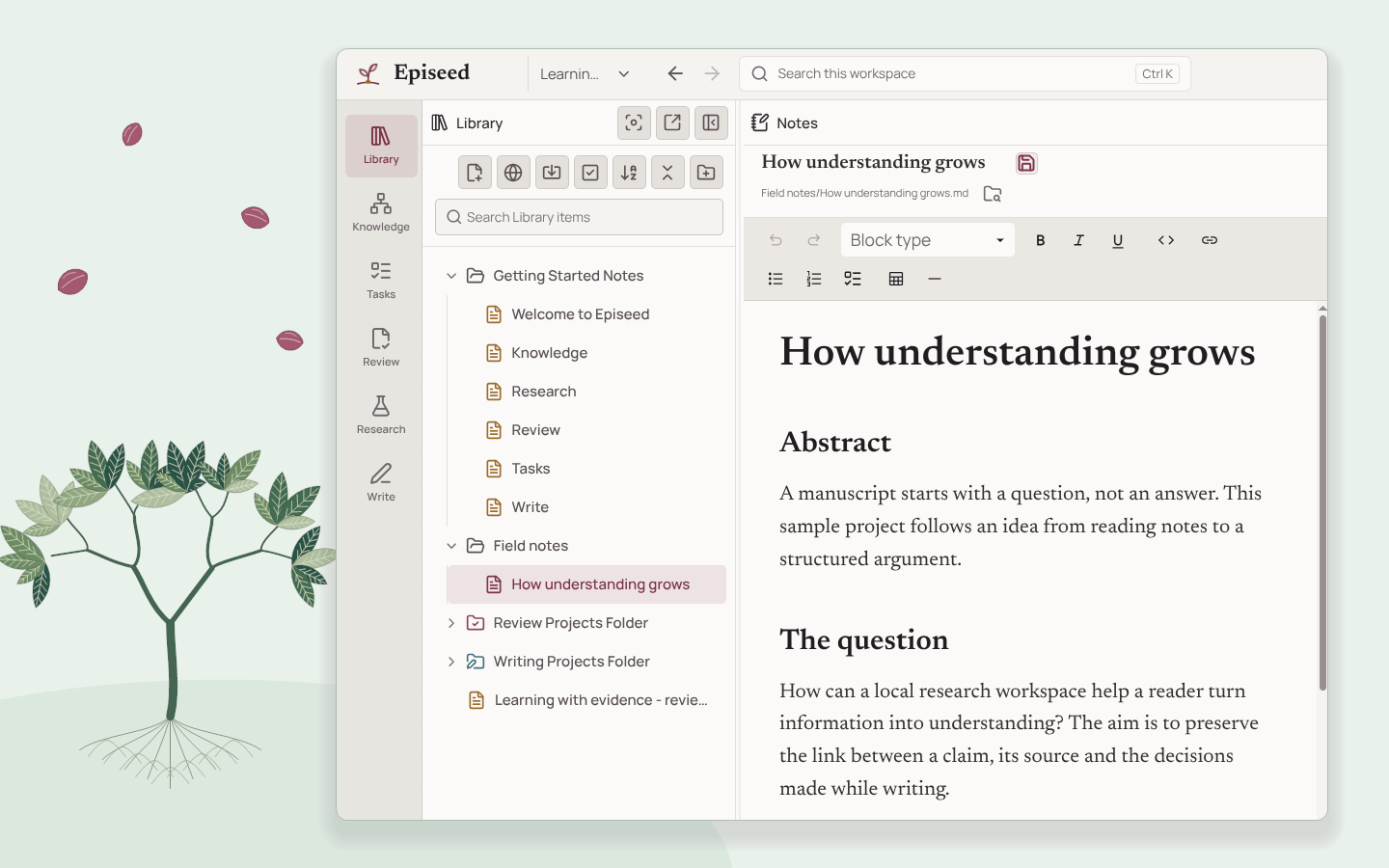
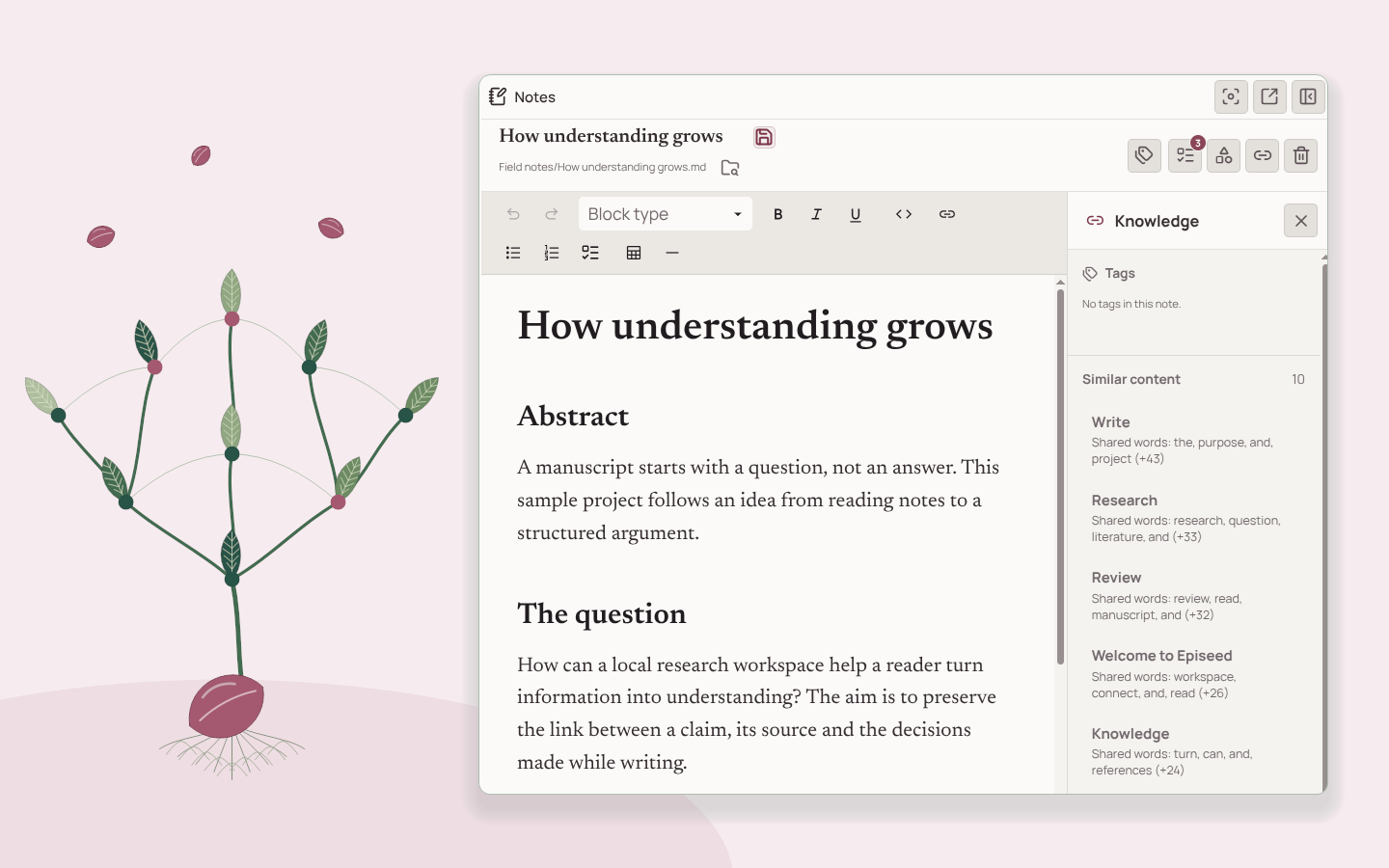
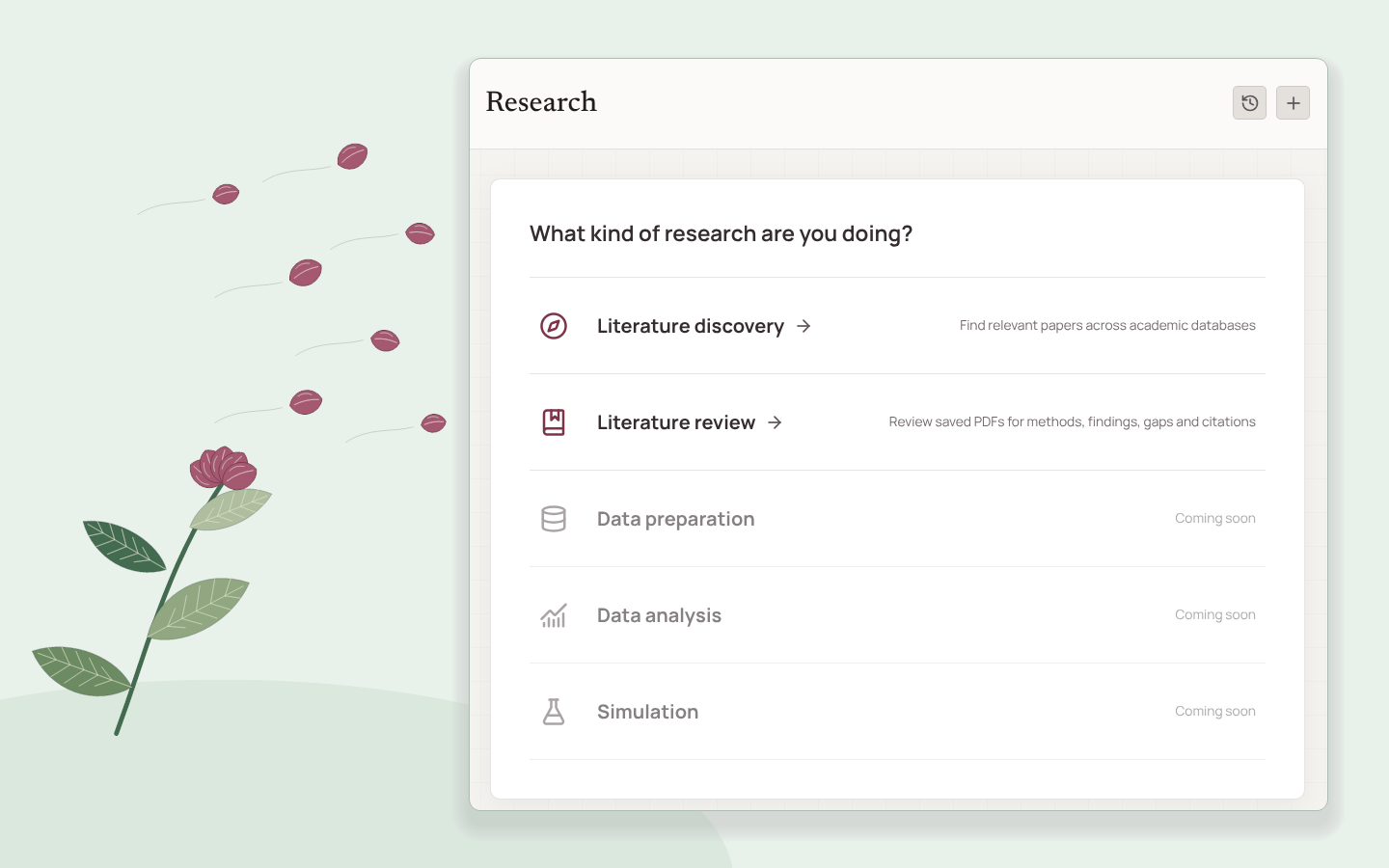
 Your work, on your desktop